



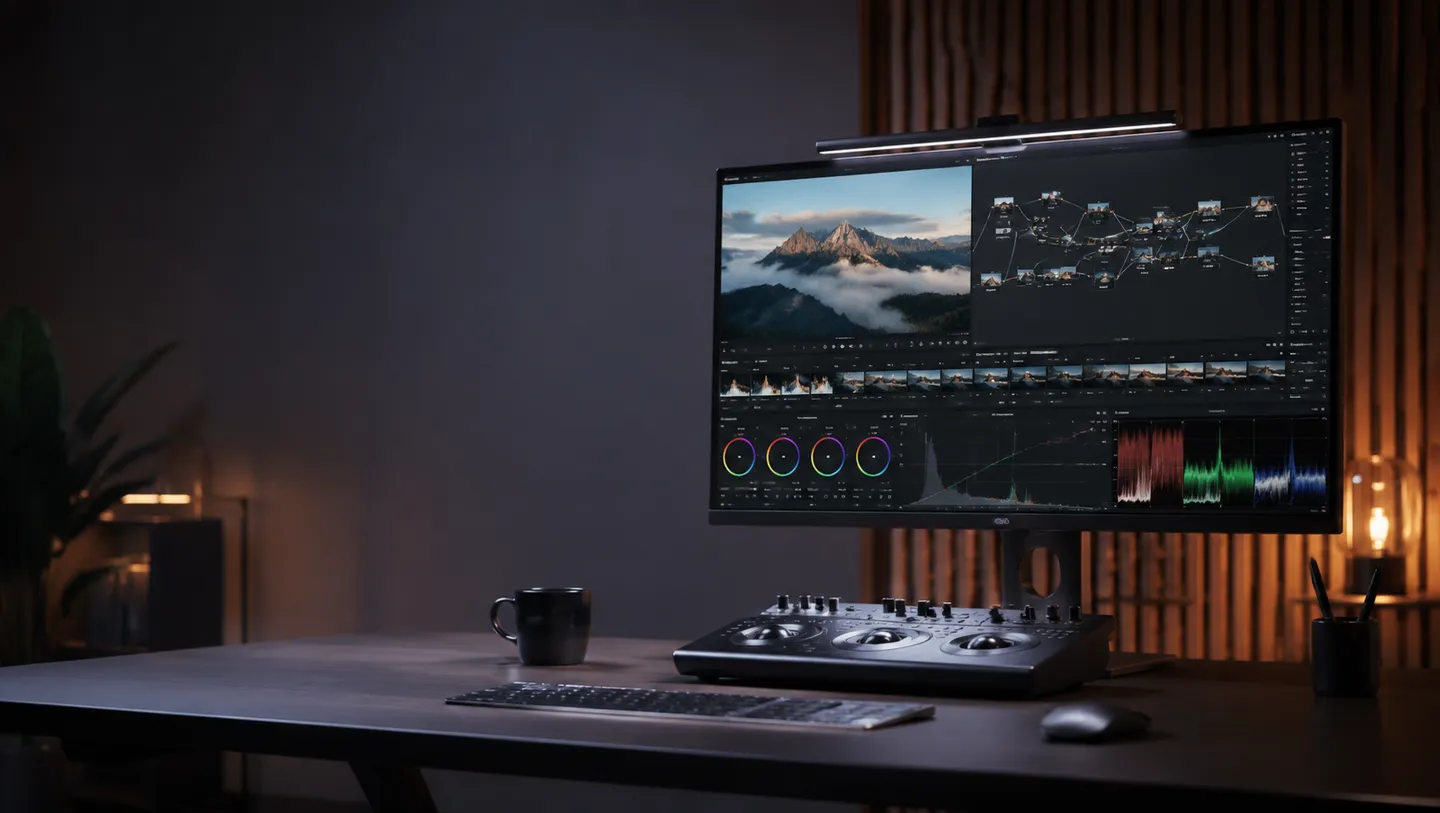
Integrating Grok Imagine into Your Workflow
To use the Grok Imagine video model for your creative projects, you can leverage the RelayMe platform to build a visual, no-code workflow. By visiting app.relayme.ai, you can chain a text/LLM prompt node directly to an image or video generation node. This structure allows you to iterate on your vision without writing complex code, simply by dragging and connecting nodes in the editor.
Once your workflow is built, you can trigger a generation task. The platform records every step in your task history, detailing the exact credit spend for each operation. Whether you are generating a short clip or a complex animation, the visual editor provides a clear view of how your prompt travels through the system from initial idea to final MP4 export.
Grok specifics worth knowing up front: RelayMe added xAI's grok-imagine-video-1.5 in late August 2026, and the Grok video node exposes a reference-image input port — you can wire an image node's output straight in as the start frame, turning a product image into a short clip inside one chain.
Comparing Models in Parallel
A key benefit of using a visual workflow platform is the ability to perform side-by-side comparisons. You can take a single prompt and fan it out to multiple parallel nodes. For example, you can route your input to a Grok Imagine node, a Veo node, and a MiniMax-H3 node simultaneously. This allows you to evaluate which model better captures your aesthetic intent in a single task list.
This parallel processing capability is essential for professional creators who need to maintain specific stylistic consistency. By comparing these outputs directly within the interface, you can make informed decisions about which provider delivers the best result for your current project, without having to re-enter your prompts across different browser tabs.
Once a still image is approved, the image-to-video guide explains the next stage and its dated worked example.
Understanding Credit Usage and Pricing
Credit consumption on the RelayMe platform is dynamic, depending on the model chosen, the generation duration, and specific audio options. At the time of writing, users can choose from several tiers: the Starter plan offers 20,000 credits for $19/month, the Basic plan provides 35,000 credits for $32/month, and the Pro plan includes 110,000 credits for $90/month. Annual billing options offer further discounts for long-term users.
For those looking to test the waters, RelayMe is free to start without requiring a credit card. If you run out of your monthly quota, you can purchase pay-as-you-go top-up credits that never expire, providing flexibility during high-demand creative periods. Always check your account dashboard to see your current credit balance and usage history.
Grok Imagine's own billing is refreshingly simple: a flat 150 credits (about $0.15) per second of video, the same rate with or without audio, so a 4-second clip is 600 credits — roughly $0.60. There is currently no separate 4K tier for Grok video. For reference, that matches the effective rate we measured for Veo 3.1 Fast's 720p audio tier in an August 2026 test.
Check the current pricing and credit rules before selecting a model; a dated example is not a current quote.
Efficiency Tips for Video Generation
To maximize your productivity, utilize the template library in the RelayMe editor. Reusable workflow templates allow you to save your favorite prompt structures and model combinations, ensuring you don't have to rebuild complex chains from scratch. Simply load a template, swap your text prompt, and execute the task.
Keep image preparation separate from video resolution. For source images, the current catalogue includes GPT-Image2, Nano Banana and Nano Banana Pro. As checked on 20 September 2026, GPT-Image2 special-offer images cost US$0.10 at 1K, 2K or 4K; this image price does not include video generation or enhancement. Grok Imagine video currently lists 480p, 720p and 1080p output, so a 4K source image does not imply native 4K Grok video.
When to Avoid This Workflow Approach
While this workflow-centric approach is powerful, it may not be suitable for teams that require strict, long-term Service Level Agreements (SLAs) or proprietary on-premise infrastructure. Because this method relies on third-party model providers, it is best suited for creators and agencies who prioritize speed, model variety, and the ability to pivot between different technologies like Grok Imagine, Veo 3.1, and MiniMax-H3.
Furthermore, if your project mandates strict limitations on where data is processed due to corporate security mandates, please be aware that each provider's commercial terms apply. You should review the terms of service for the specific models you select within the relayme.ai interface to ensure they align with your project's legal requirements.