



Tutorials and product updates
Learn workflow ideas, prompt patterns, and the latest RelayMe changes in one place.
MiniMax H3 Video Guide: Run MiniMax-H3 Online Without a GPU
How to use the MiniMax-H3 video model without local hardware: supported durations, resolutions and references, a prompt structure that works, and what a clip costs in RelayMe credits.
Latest posts
MiniMax H3 Video Guide: Run MiniMax-H3 Online Without a GPU
How to use the MiniMax-H3 video model without local hardware: supported durations, resolutions and references, a prompt structure that works, and what a clip costs in RelayMe credits.
September 2026 updates: multiple images, upscaling and outpainting
Generate 1–4 image candidates, connect each to a different workflow branch, upscale or extend a reference image, and try the new Grok and GPT Image options. Updates through September 20.
August 2026 updates: shared workflows, Agent API and new video models
Share and reuse community workflows, connect RelayMe to an Agent, create with Grok Imagine and MiniMax-H3, and track membership and recharge credits more clearly.
July 2026 updates: shared workflows, image tools, and private teams
A retrospective on July improvements: reuse shared workflows, crop and reference images more reliably, and manage access and upgrades in private deployments.

Compare Veo, Grok Imagine and MiniMax in One Video Workflow
How to run several AI video models on one prompt in a RelayMe workflow, which models are live today (Veo 3.1, Veo 3.1 Fast, Grok Imagine, MiniMax-H3) and what a comparison round costs.
AI Video Generation Cost: What Each Clip Actually Costs
Per-second credit rates for Veo 3.1, Veo 3.1 Fast, Grok Imagine and MiniMax-H3, plus a dated 620-credit run showing what one usable product clip cost.

Automated Product Image Generation: A Workflow Guide
Organize product inputs, connect prompt and image nodes, and review labels and shape before repeating a workflow. Includes a real canvas and model-selection links.
AI Image Workflow Builder: A Reusable Prompt Template
Build a reusable AI image workflow: a fill-in prompt template, an optional LLM node and an image node. See a real canvas, check one result, then rerun it.
Grok Imagine Video Model: A Practical Guide for Creators
Learn how to use the Grok Imagine video model effectively within a visual AI workflow to compare outputs and optimize your generation pipeline.
Automate Creative Production: LLM Prompt to Image Workflows
Learn how to build a scalable AI workflow using RelayMe to connect LLM prompting directly with image and video generation nodes.

Product Image to Video Workflow: From Photo to MP4
Turn a product photo into a video with a first-frame input and a motion prompt. Follow the visual workflow, review product details and check a dated cost example.

Can You Use AI-Generated Images and Video Commercially?
Whether AI images and video can be used in commercial projects depends on model terms, copyright and likeness rights. What brands should check before publishing.
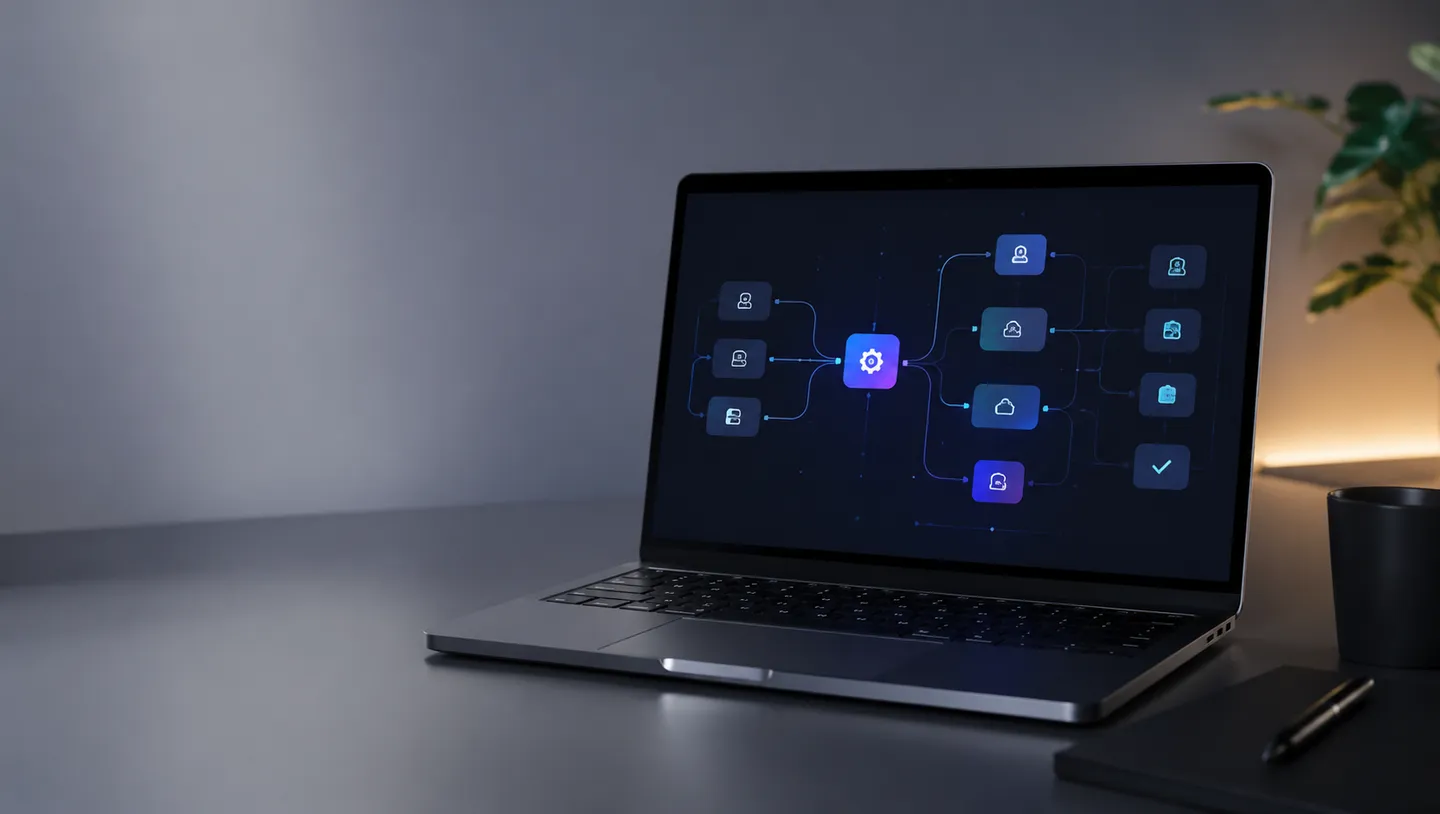
How to Choose an AI Video Generation API for Product Ads
Choose an AI video generation API by defining the advertising task and acceptance criteria first, then testing candidates with the same product brief. This guide provides a verifiable selection framework, a RelayMe workflow, and a launch checklist.
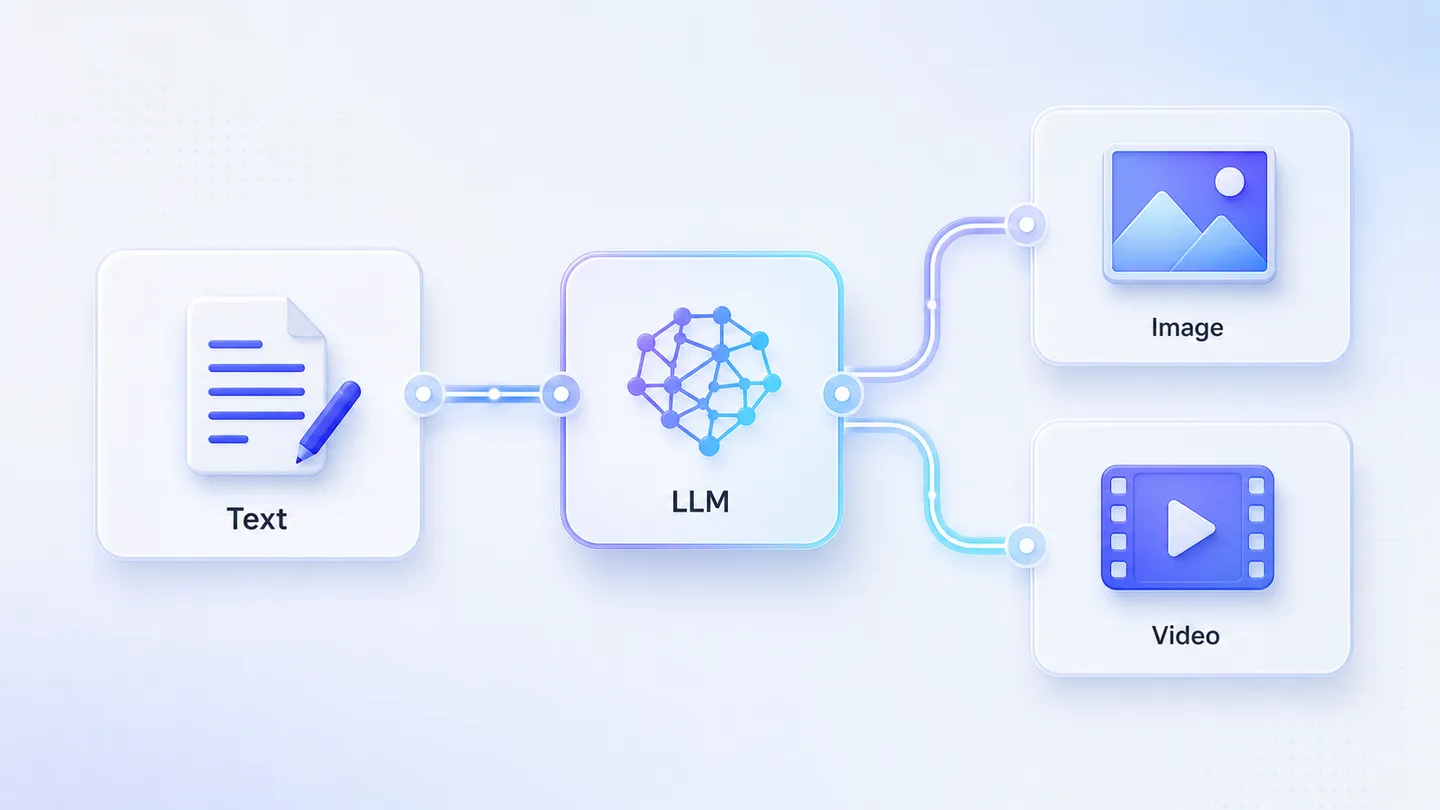
Use an LLM to generate prompts inside a workflow
Many users connect text directly to image or video generation. The stronger pattern is Text -> LLM -> generated prompt -> Image or Video.
Prompt tips for product visuals
Use structure, constraints, and visual references to make product images more consistent.
May 2026 workflow updates
Template discovery, task history, and generation stability improvements.

Batch Generate Xiaohongshu Content with AI Workflows
Learn how to use AI workflow templates to streamline your Xiaohongshu content creation, from product selection to image generation and publishing.
No posts in this category yet.