



Direct Answer: Scaling Creativity with AI Nodes
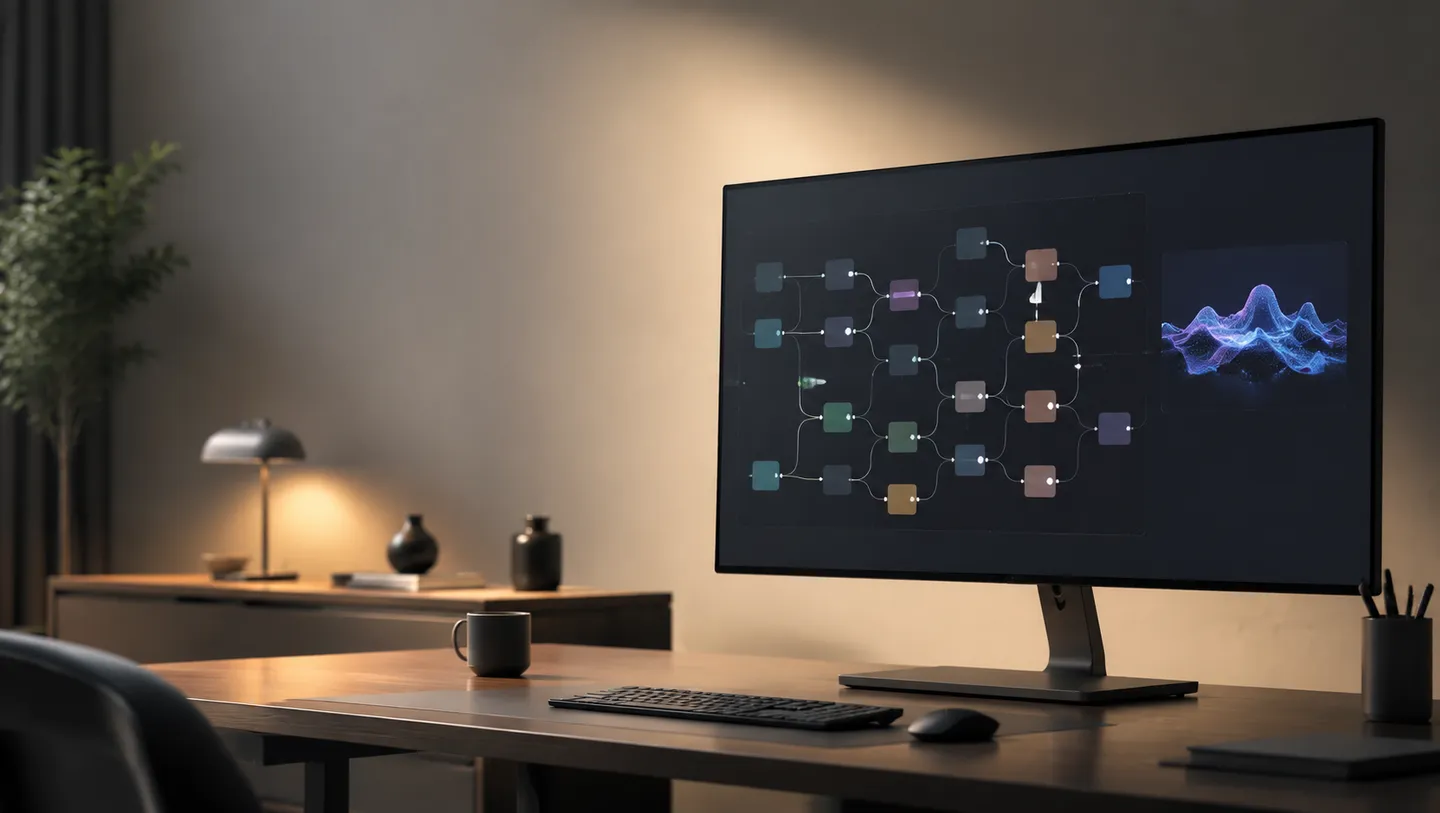
To automate creative production, operational teams should implement a node-based architecture where the available Gemini text model acts as the logic engine that outputs structured prompts into downstream image or video nodes. At RelayMe, this is achieved by chaining nodes in the workflow editor, allowing for an automated hand-off from text generation to high-fidelity visual output without manual copy-pasting.
This approach is recommended for marketing teams and content creators who need to produce large volumes of assets consistently. A critical limitation: while workflows are designed to be commercial-ready, individual outputs are governed by the specific terms of the chosen model provider—ensure you verify their commercial-use policies before public deployment.
Designing Your First Workflow
Start by creating a task in the RelayMe editor. Drag a 'Text Prompt' node to the canvas and select your preferred LLM, such as a Gemini model. This node will function as your creative assistant, translating raw user input into descriptive, detailed prompts optimized for image models. By automating the prompt engineering step, you ensure that every image or video generated follows a specific stylistic or technical standard you have defined.
Once the text node is configured, connect it to your chosen generation node. For image output, you can select models like GPT-Image2, Nano Banana, or Nano Banana Pro. If you require video, select Veo 3.1, Veo 3.1 Fast or MiniMax-H3 nodes. The workflow will automatically pass the refined text data to the generation node, which then executes the task based on the parameters you have set in the editor.
For the exact node connections and a reusable instruction, follow the LLM prompt workflow tutorial.
Comparing Models with Parallel Fan-Out
Efficiency in creative iteration is best achieved through the parallel fan-out capability. Instead of testing one model at a time, connect a single LLM prompt node to multiple generation nodes—for example, sending the same prompt to both Nano Banana Pro and GPT-Image2 simultaneously. This creates a side-by-side comparison in your task list, allowing you to identify which model produces the specific aesthetic your campaign requires.
Task history records the credit spend of each generation. As checked on 20 September 2026, the public model catalogue lists the GPT-Image2 special-offer channel at US$0.10 per image for 1K, 2K and 4K; the standard channel has separate resolution prices. Video costs also vary by duration, resolution and audio options. Check the current pricing table before running a batch, and budget for retries and human review separately.
Pricing and Production Costs
RelayMe offers a flexible pricing structure designed for various production scales. As checked on 20 September 2026, users can start for free without a credit card. Paid tiers include the Starter plan at $19/month (20,000 credits), the Basic plan at $32/month (35,000 credits), and the Pro plan at $90/month (110,000 credits). For teams with fluctuating needs, pay-as-you-go top-up credits are available and never expire, providing a way to manage costs without monthly commitment pressure.
Professional tip: Avoid using complex, multi-model workflows for simple tasks that require only one output. If your project is small-scale, the overhead of chained nodes might be unnecessary. Only use the full automation capabilities when you are producing in batches or require rapid A/B testing of visual styles, as this allows you to maximize the value of your credit allotment while minimizing the time spent on manual generation.
Before scaling a run, use the video cost breakdown to separate generation credits from human review and editing time.