


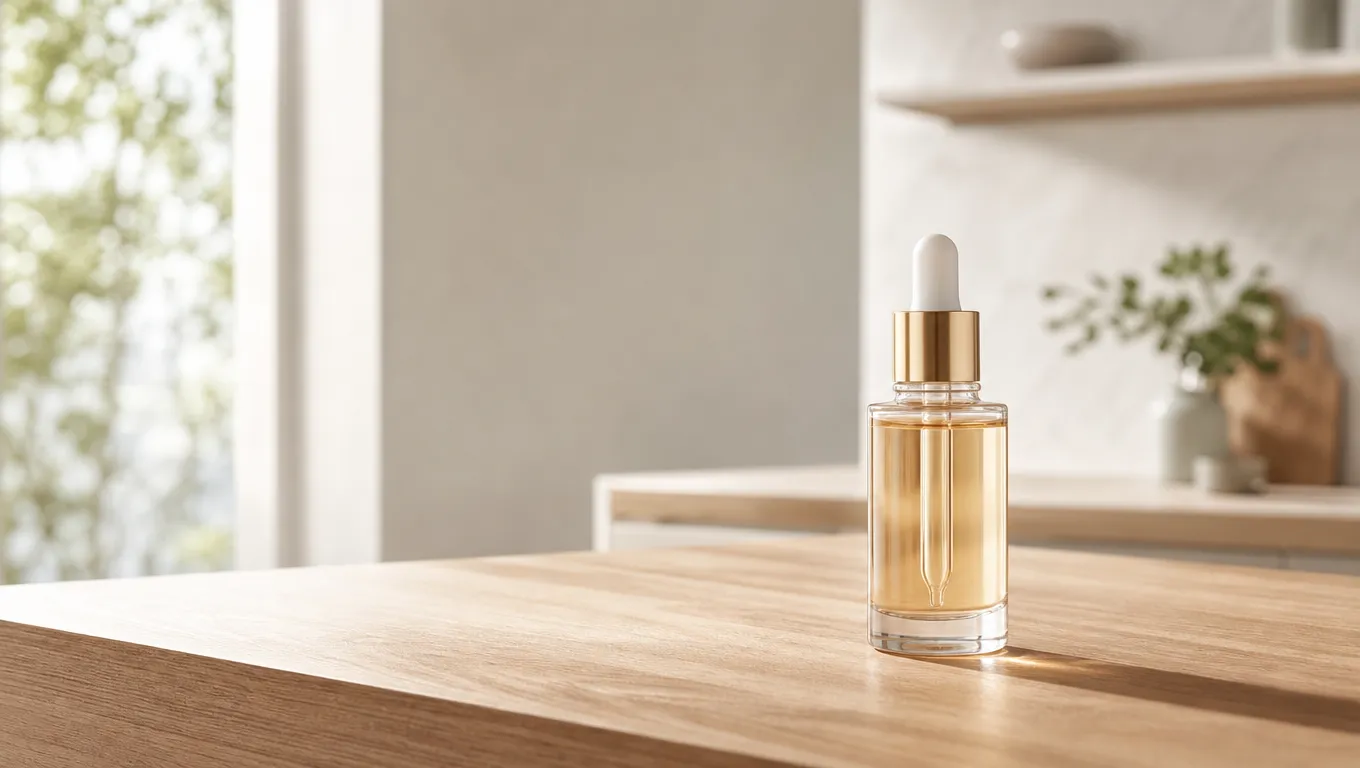
The Workflow Approach to Product Imagery
To transform a white-background packshot into a lifestyle image, you need a workflow that maintains the integrity of your product while generating a context-aware background. RelayMe allows you to chain these tasks in a visual editor where you upload your original file as a source node. By connecting this to an image generation model, you can replace or extend the environment while keeping the product as the focal point.
This no-code workflow is built for teams that need to scale production. Instead of manual editing, you simply configure a task list in app.relayme.ai. You can compare different aesthetic outputs simultaneously by fanning out one source input to multiple model nodes, such as GPT-Image2 or Nano Banana Pro, to see which rendering better aligns with your brand’s specific campaign requirements.
To chain prompt, render, and cleanup as one reusable canvas, follow the AI image workflow guide.
Step-by-Step: From Packshot to Lifestyle Scene
Start by logging into RelayMe and creating a new task. Upload your product packshot to the Source Input node. Once uploaded, add an Image Generation node and select your preferred model, such as the Grok Imagine Image 2.0. In the prompt field, describe the desired lifestyle setting in detail, such as 'sunlit modern kitchen counter, soft morning light, depth of field'.
After defining your prompt, set your preferred resolution. If you are using the GPT-Image2 special-offer channel, note that pricing is $0.10 per image for 1K, 2K, or 4K, providing a predictable cost structure. Run the workflow, then review the output in the Task History tab. If the result isn't perfect, you can adjust the prompt within the same node and retry without rebuilding the entire workflow.
For product-specific inputs and review steps, continue with the product image workflow.
Hosted product-photo tools are a different package. See the Pebblely alternative and the Photoroom alternative for dated public prices.
Optimizing Costs and Model Choices
Efficiency in AI production comes down to choosing the right model for the specific creative demand. RelayMe offers a variety of models including Nano Banana (Gemini 2.5 Flash Image) and GPT-Image2. Budgeting is simplified because RelayMe uses a credit system; you can choose the Pro plan at $90/month for 110,000 credits, or start with pay-as-you-go credits that do not expire. This flexibility means you only pay for what you produce during your peak marketing cycles.
When testing, avoid the trap of using the most expensive model for every iteration. Use the workflow editor to compare GPT-Image2.5 Flare versus Grok Imagine Image 2.0 for simple background swaps, then reserve higher-end model nodes for final, high-fidelity renders. Tracking your credit spend in the Task History allows you to establish a per-image cost, ensuring your content production stays within your target marketing budget.
Compare Nano Banana Pro and GPT Image 2 for model settings and credits before choosing a model for your own workflow.
Scale Production with Reusable Templates
Once you have a style that works for your brand, save it as a template in the RelayMe library. This prevents repetitive configuration when you have a new batch of product images to process. Simply swap out the source input file, update the text prompt if the product context changes, and execute. This method ensures that your brand’s visual identity remains consistent across hundreds of social media or marketplace assets.
Using templates is also a smart way to manage team workflows. By centralizing the 'prompt engineering' for your product lines, you can allow other team members to generate new images without needing advanced technical skills. The workflow is 'commercial-ready', though you must always perform a manual review of the final output to ensure it aligns with your company’s rights and usage policies.
The same packshot can feed a batch of main and lifestyle frames using the AI product image generator pattern on a node-based workflow.
Opinion: When to Avoid AI Image Workflows
While AI-generated lifestyle images are excellent for digital campaigns, they are not a replacement for high-stakes, high-budget product photography where physical interaction and specific material textures are critical. If your product requires extreme detail—such as the exact chemical sheen of a specialized liquid or specific fabric weave that must look tactile—AI generation may struggle with precision.
I recommend skipping AI workflows if your brand identity relies on hyper-realistic physical artifacts that consumers frequently touch or test in person. In these specific cases, the cost of a professional photo shoot is justified. For the 90% of other digital marketing scenarios, however, an AI workflow in RelayMe will provide the necessary speed and variety for your product launch campaigns.